

You can request reviews any time after you submit a claim, until it is marked as paid.
Simply click through to view the claim and you will see the reviews section at the bottom of the page.
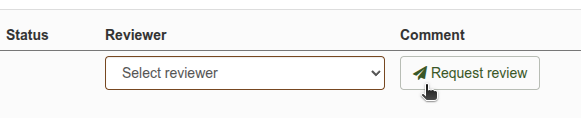
Pick the right person from the list of your organisation's approved claim reviewers, and click "Request review" to send your request. You'll see that they now have a Pending review, and we'll email them with a link to your claim.
You can request reviews from as many different people as you need - just add the requests one at a time.
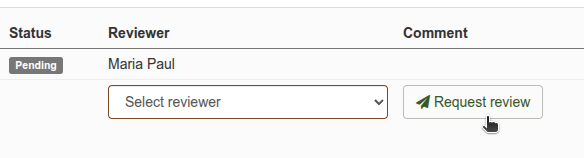
Administrators in your organisation can also request reviews from another reviewer.
Re-requesting a review
You can also request that a reviewer takes another look at your claim. For example, if your claim was rejected and you've now made corrections, you can request another review from the user who rejected it. Simply request a review in the normal way - their original review will be kept alongside any subsequent reviews.
Who should I ask to review my claim?
This will depend on your organisation's policies and processes - claimexpenses does not enforce any specific rules for this, although we have suggested some common workflows.
If you're not sure who should review your claim, speak to your Line Manager or contact at the organisation you are claiming from.